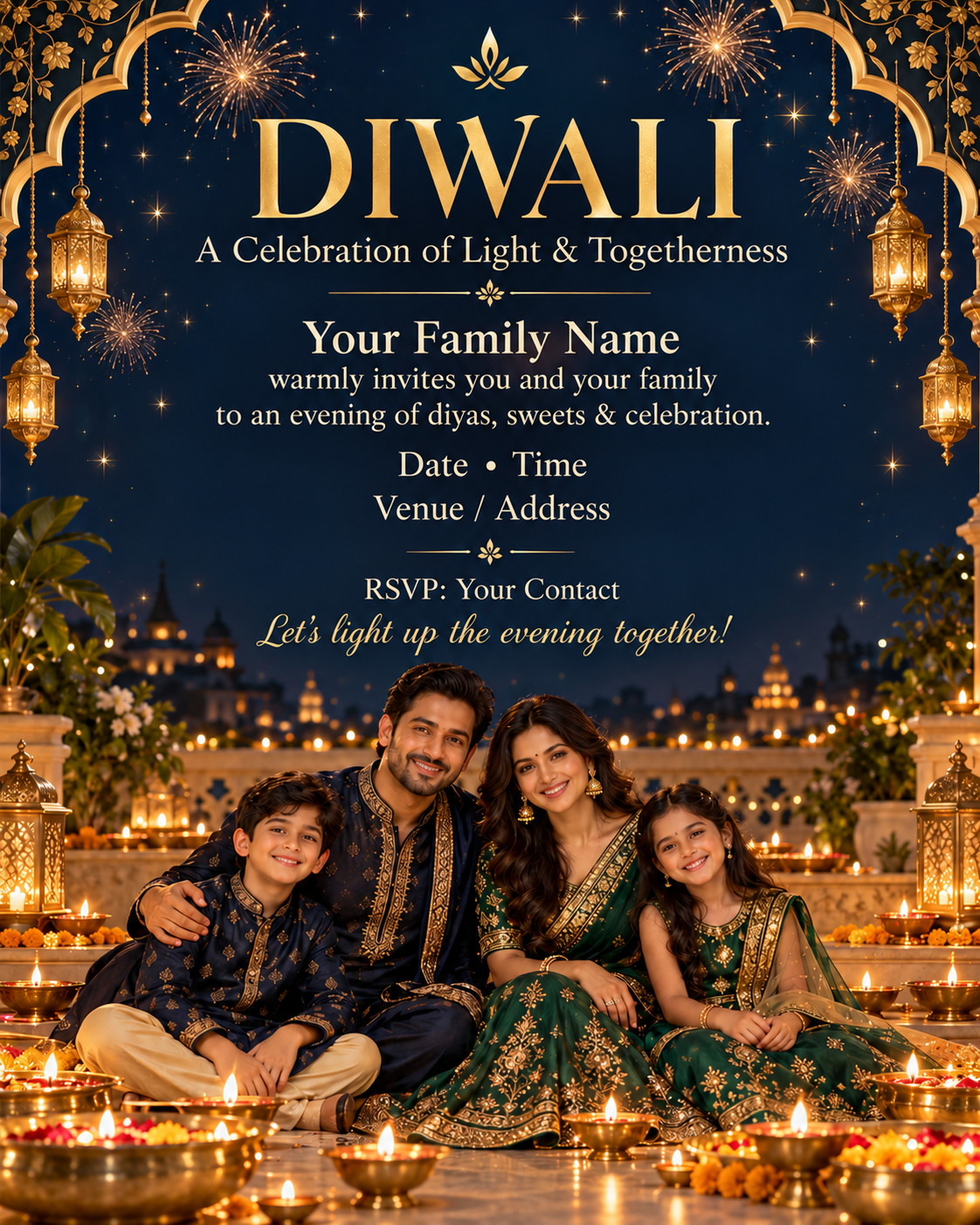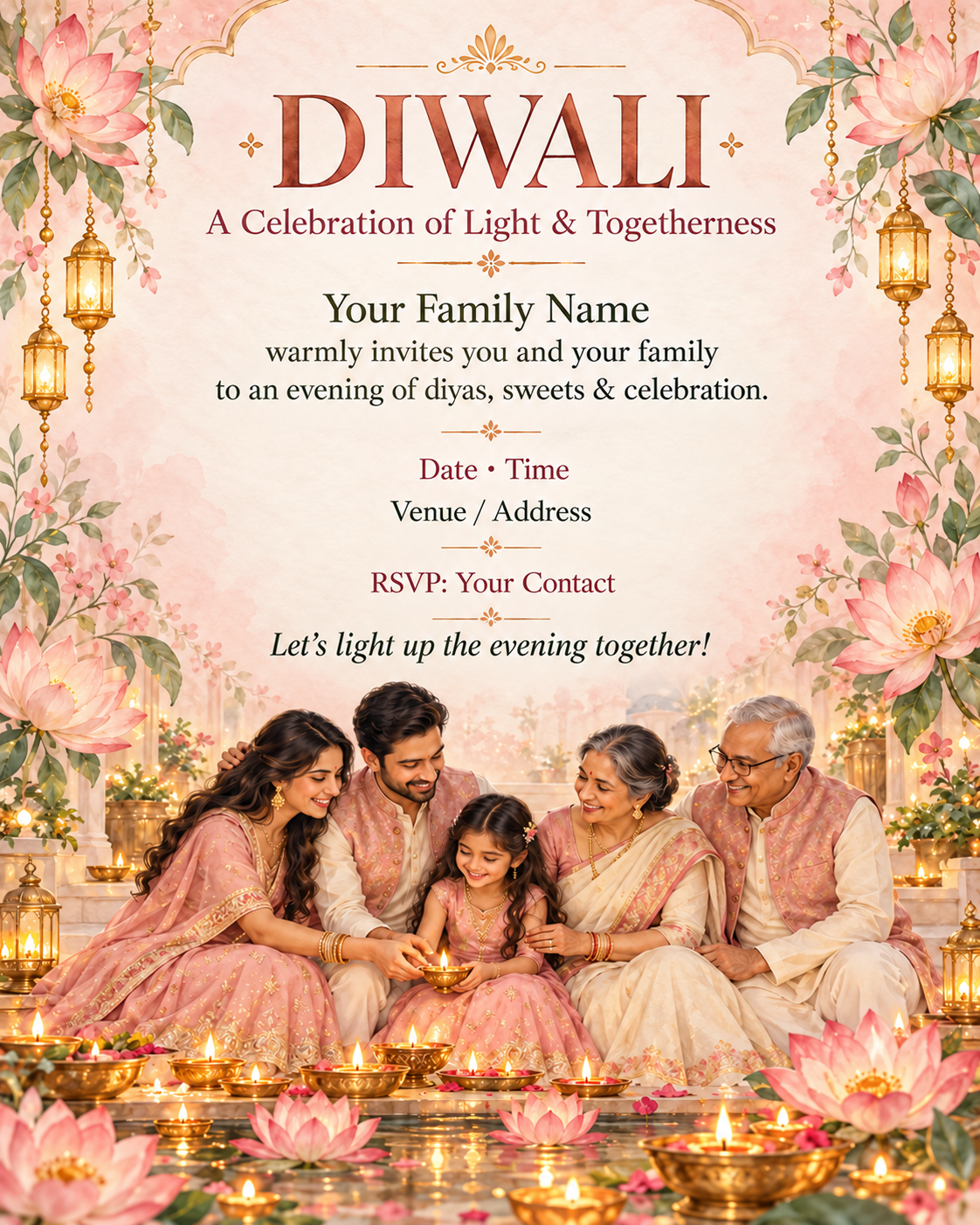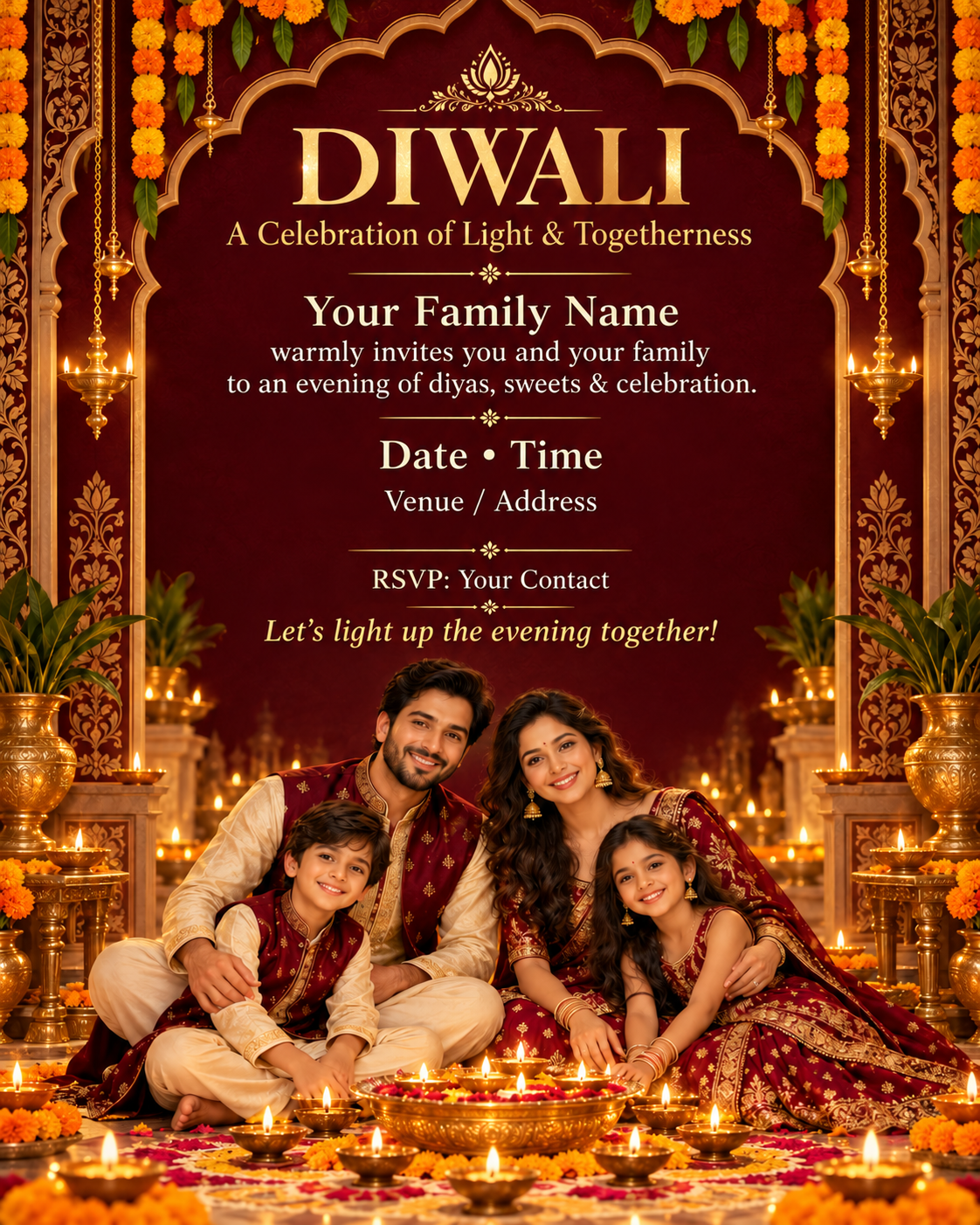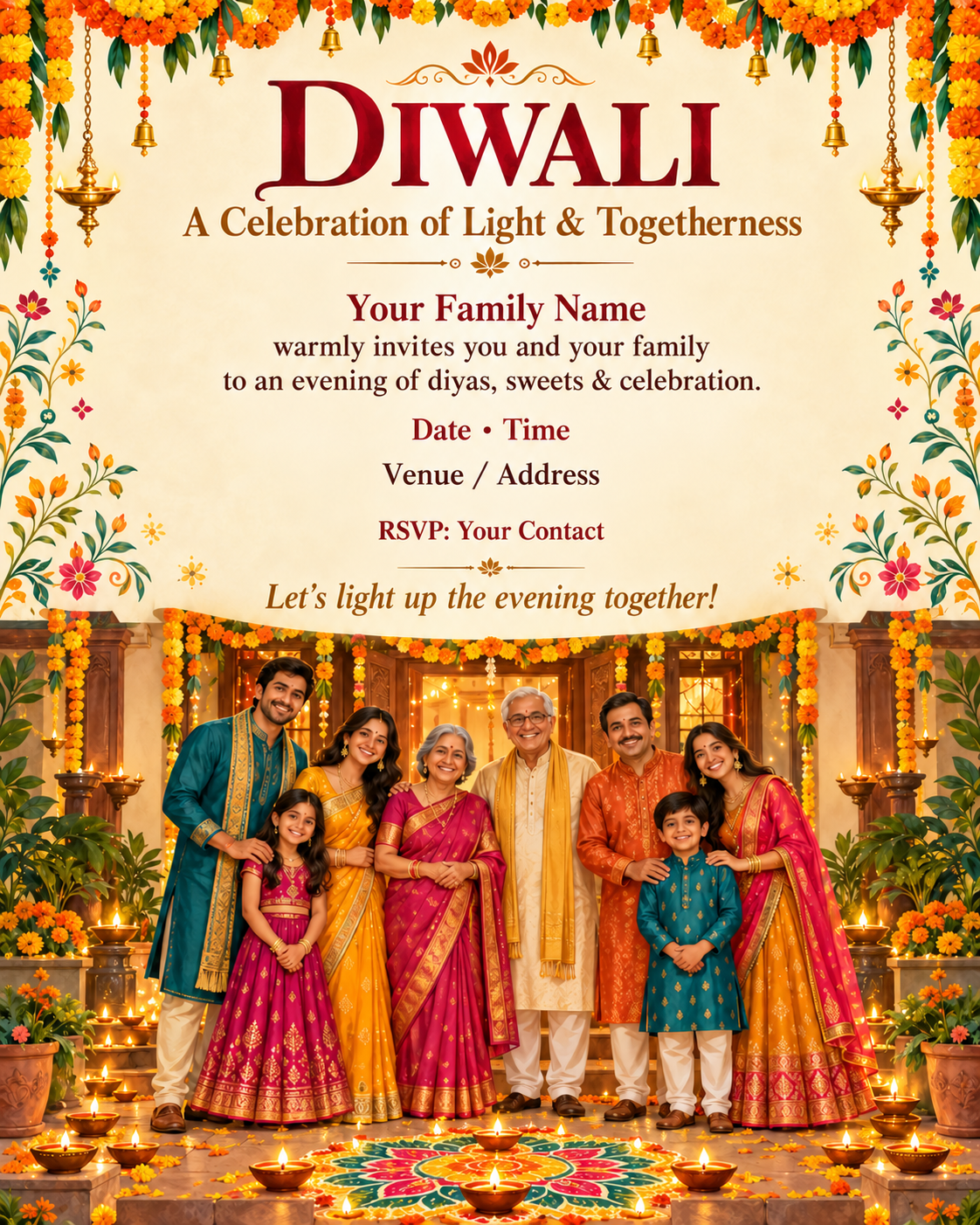
Marigold Courtyard Diwali Family Invitation
Create a polished vertical 4:5 Diwali invitation card from a family to their loved ones. Warm ivory and saffron palette, vivid orange and yellow marigold garlands across the top, an illustrated traditional home doorway, colorful rangoli…
Copy the prompt
Create a polished vertical 4:5 Diwali invitation card from a family to their loved ones. Warm ivory and saffron palette, vivid orange and yellow marigold garlands across the top, an illustrated traditional home doorway, colorful rangoli and glowing clay diyas at the bottom, joyful hand-painted Indian folk-art accents kept around the edges. Include a cheerful hand-painted multigenerational Indian family in saffron, teal and magenta kurtas, sarees and lehengas, standing together at their decorated home doorway across the lower third. Keep every family member clearly visible with natural faces and hands; use fictional people, not a specific real family. Reserve the upper two-thirds for the invitation wording. Make the invitation warm, welcoming and highly readable, with a large elegant title and smaller balanced serif body text. Render the following centered text exactly, using these literal template labels: “DIWALI” / “A Celebration of Light & Togetherness” / “Your Family Name” / “warmly invites you and your family” / “to an evening of diyas, sweets & celebration.” / “Date • Time” / “Venue / Address” / “RSVP: Your Contact” / “Let’s light up the evening together!” Use clean spelling, high contrast and generous line spacing. Keep ornaments away from the text. No logos, watermarks, extra words or invented event details. Flat full-bleed card artwork, not a photographed mockup. For this template, keep the labels exactly as written; do not invent event details. For personalization, the user may supply replacement text and a family reference photo; preserve the supplied family members’ identities when provided.
Make it your own
- Copy the text into ChatGPT.
- Adjust the subject, outfit, setting, or lighting to suit your idea. Add a reference photo you have permission to use if your tool supports it.
- Generate an image, review the result, and refine the wording. Results vary by model and settings; a preview is inspiration, not a guaranteed output.